

BYTE OPERATIONS TECHNOLOGIES
See your business, connected.
Explore CRM, operations, marketing and AI through the interactive product demo.
INTERACTIVE PRODUCT DEMO
See the complete business workflow before creating an account.
Explore a safe simulated company with CRM, quotations, inventory, delivery, marketing automation, AI agents and BOT Credit controls.
No real emails, social posts, AI calls or payments are sent.Lead
Quote
Work
Invoice
Delivery
ABC Solutions Pvt Ltd · Safe demo workspaceSimulation only
ABC Solutions Pvt Ltd
Overview
Recent activity
Live simulationQuotation QT-2048 approved2 minutes ago
Low stock alert for Packaging Box M3 minutes ago
Email campaign moved to approval4 minutes ago
Delivery DEL-9007 reached customer city5 minutes ago
Explore a process, not just individual screens.
Use the demonstration to understand the journey, then discuss how it would differ for your own business.
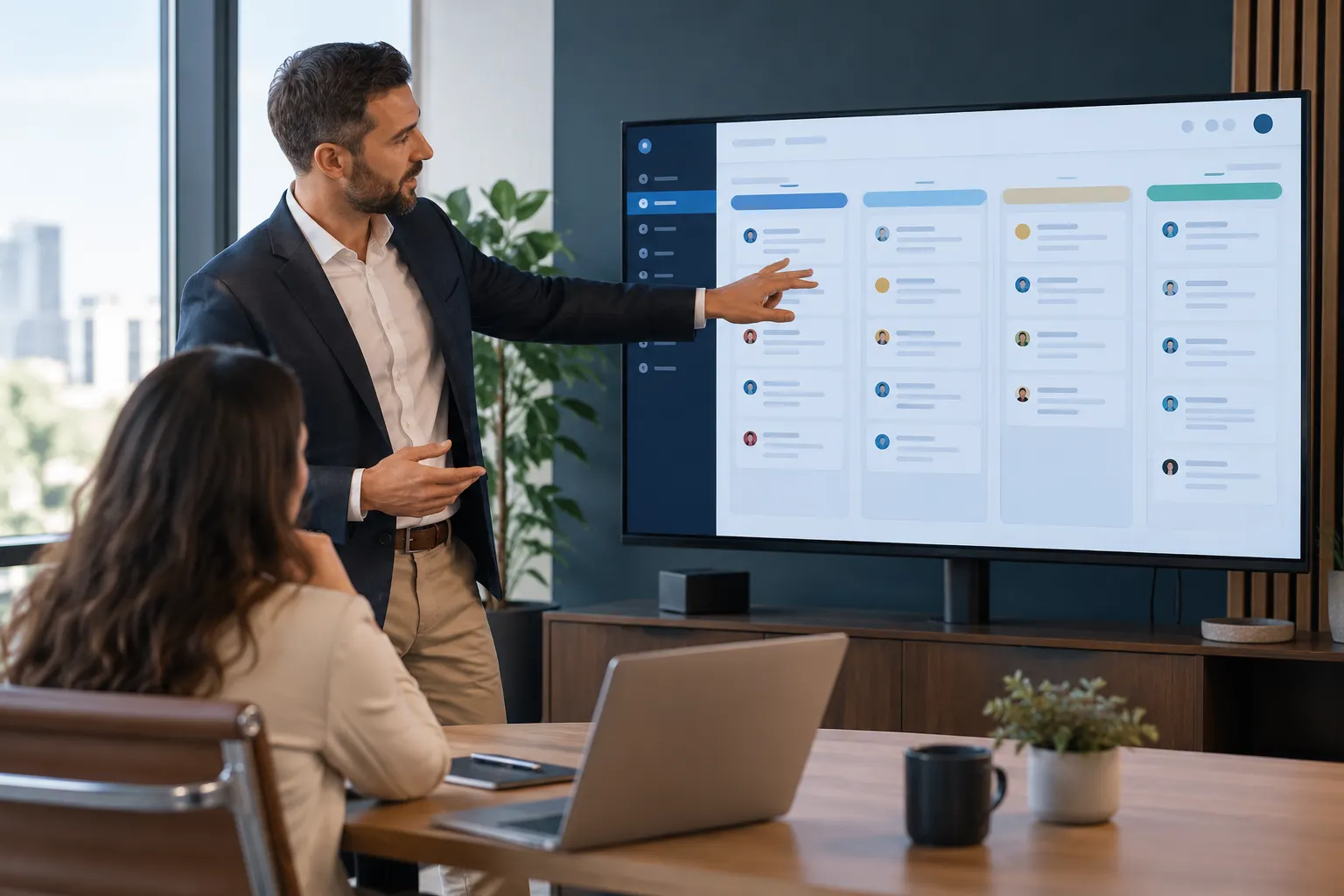
01
Begin with one representative enquiry.
Follow how a customer record, an owner and a next action relate to one another. Look for the information your team would need at each step and note any missing fields or approvals. Demo records are illustrative, not live customer data.
- Review how a lead would be qualified.
- Identify the handover between sales and delivery.
- List the actions that should require human approval.

02
Turn your observations into a project brief.
The next conversation should focus on your process, current systems and priorities. A demonstration does not confirm that every integration or custom requirement is included in a particular plan.
- Share the workflow you want to reproduce.
- Identify existing software and data sources.
- Agree the features to validate before implementation.
Use the walkthrough to test your assumptions.
A demonstration is most useful when you follow a realistic scenario. Note the questions it raises about your own data, permissions and operating process.
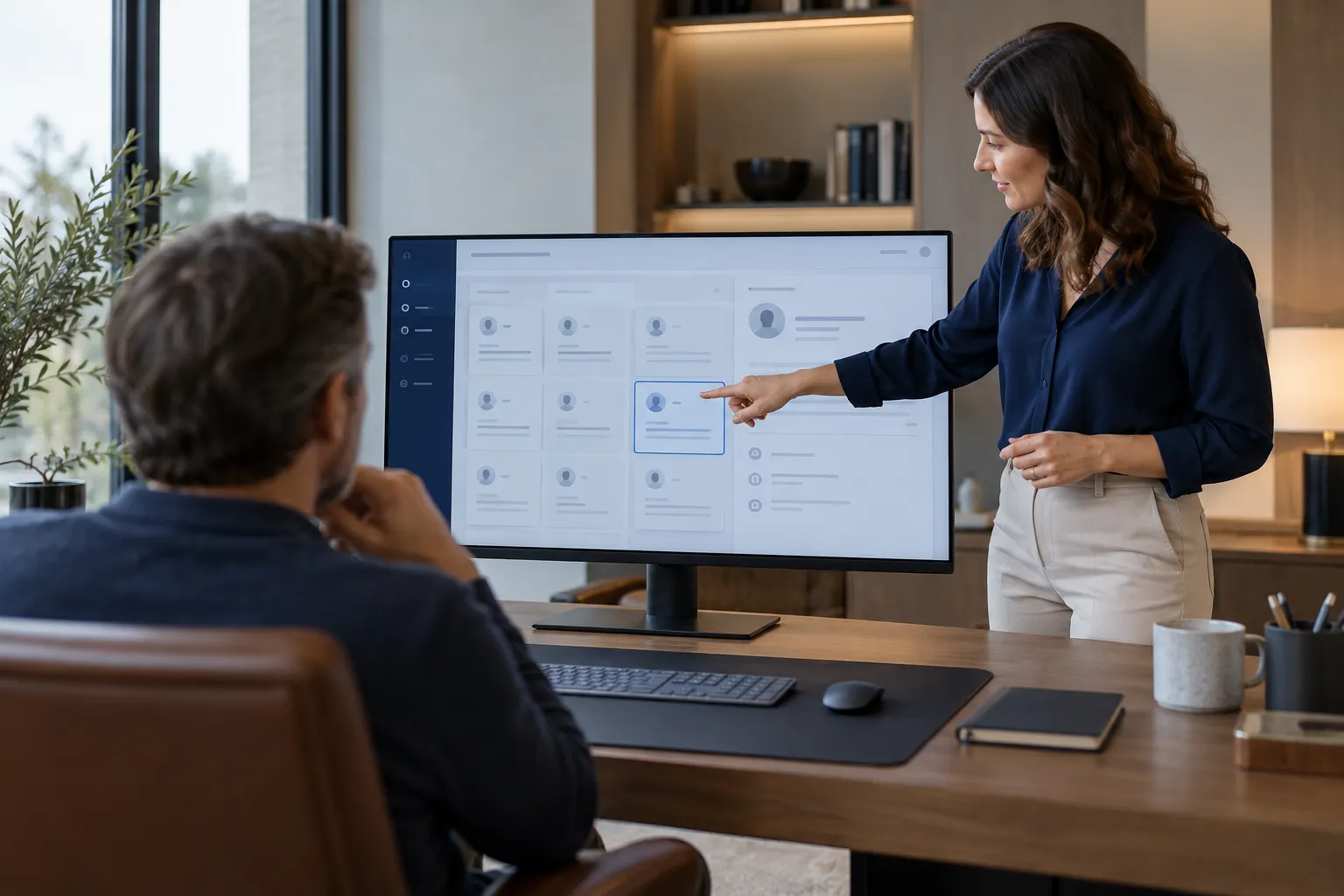
Follow one record
Begin with a representative enquiry and trace the next action. Look at the information the next person would need rather than opening every available screen.
Explore one exception
Ask what should happen when required details are missing, an approval is declined or the same request arrives twice. Record the expected behaviour for scoping.
Capture the gaps
Separate what you have seen in the demonstration from what needs confirmation for your project. Custom integrations and account requirements should be reviewed explicitly.